You can easily connect your RFHub to Homey so that all your 433 MHz sensors and switches appear in Homey. You can then use them to trigger flows and control switches directly from Homey.
You can connect your RFHub to Homey both via the cloud and locally*. When you connect via the cloud, the RFHub does not need to be on the same network as Homey, and you can also connect it to Homey Cloud and Bridge.
*Local connection coming soon
Requirements
RFHub firmware version 1.1.0 or any subsequent version released after it must be used for the Homey connection to work.
Instructions
- Start by going to your RFHub and copying the Device-ID and Secret that you find under Info.
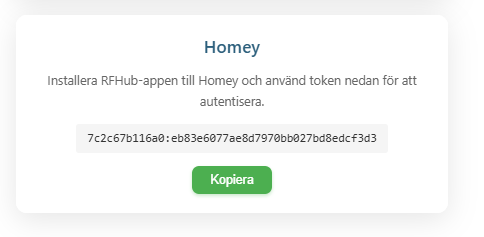
- The next step is to install the RFHub app in Homey. While waiting for Homey to approve it, you can download the test version. StyraHem RFHub | Homey (test)
- Watch the video below for how to add RFHub to your Homey. It works on Homey Pro, Homey Bridge, and Homey Cloud.