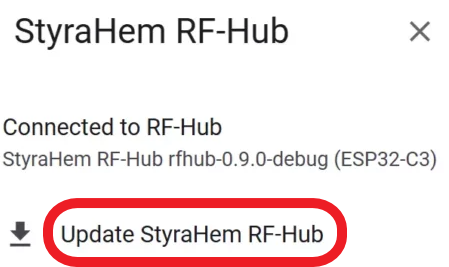
Updating RF-Hub is normally done directly on the device and wirelessly. In some cases, however, you may need to update RF-Hub by connecting it to a computer's USB port. For this to work, you need to use the Chrome or Microsoft Edge browser, which support this functionality.
- Connect your device to the computer's USB port
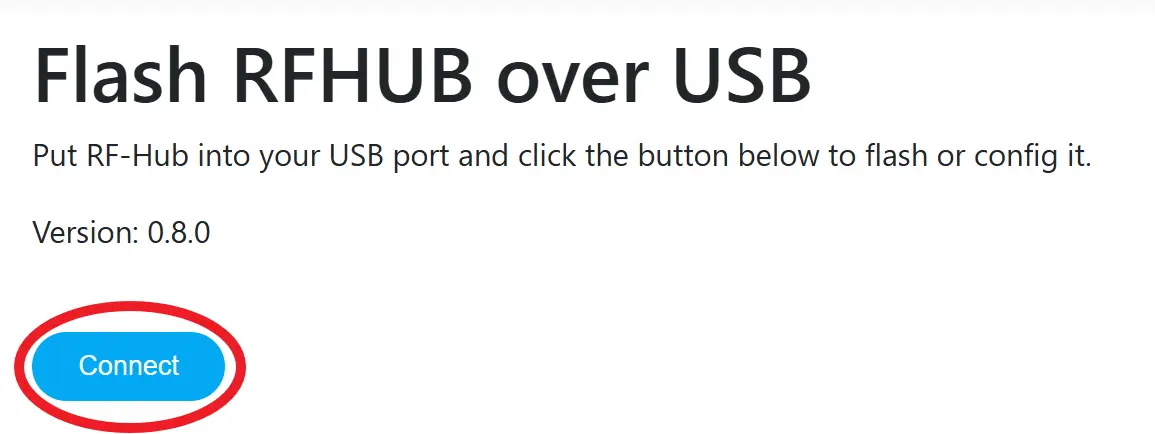
- Open the following link in your browser on the same computer: https://qtrl.me/rfhub/flash
- Click the Connect button
- Select the device called USB JTAG/serial debug unit